RoboCasa: Kitchen-Scale Manipulation Beyond Toy Tabletop Tasks
RoboCasa is a simulation framework and benchmark for household-scale kitchen manipulation. The paper extends the RoboSuite ecosystem from compact tabletop tasks toward realistic kitchens with many scenes, objects, robot embodiments, tasks, and generated demonstrations.
What the Paper Contributes
The paper highlights four pillars:
| Pillar | Practical meaning |
|---|---|
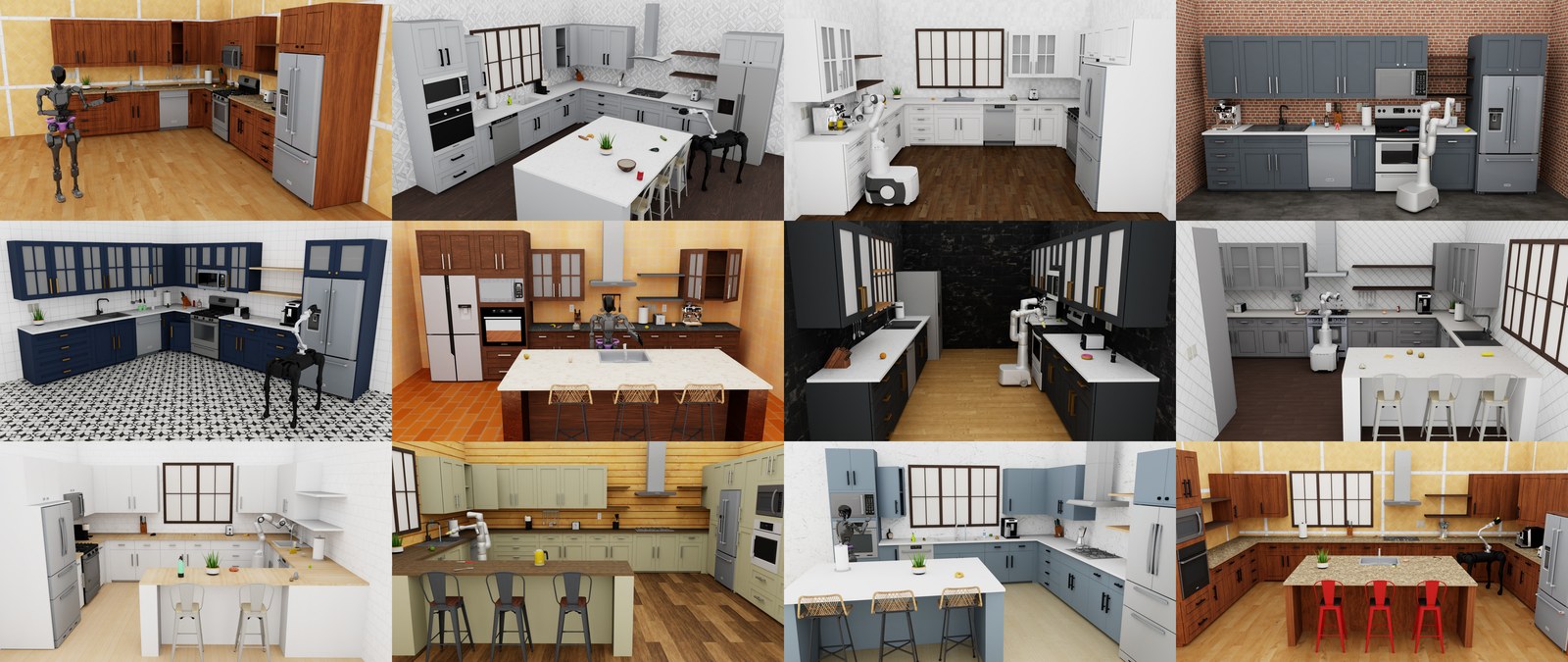
| 120 kitchen scenes | Layout and style variation beyond a single demo room |
| 2,500+ 3D objects | Object diversity across many kitchen-relevant categories |
| Cross-embodiment support | Mobile manipulators and humanoid robots can be studied in the same domain |
| 100 tasks and 100K+ trajectories | A larger task/data regime than small tabletop suites |
This matters because many robotics methods look strong in toy tabletop settings but become fragile when fixtures, appliances, receptacles, and scene layout matter.
Atomic and Composite Tasks
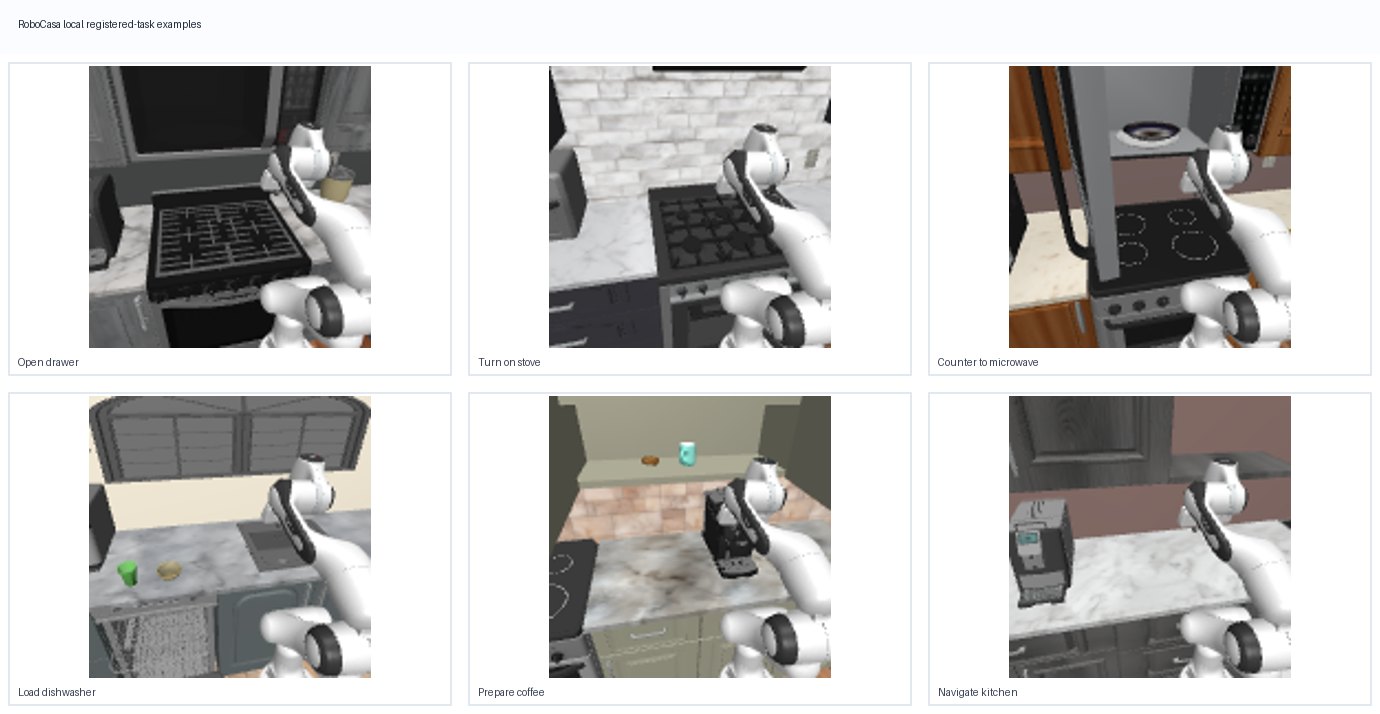
Atomic tasks focus on a smaller skill or fixture interaction, such as opening, closing, placing, cleaning, or manipulating a specific appliance-related element.
Composite tasks combine these pieces into larger household workflows, such as arranging, preparing, serving, loading, cleaning, or setting up kitchen items.
This split is useful when designing experiments. Atomic tasks help isolate a skill bottleneck. Composite tasks test whether a policy can remain coherent across longer kitchen workflows.
How to Use It
The conceptual workflow is:
choose task -> choose scene/layout -> choose embodiment -> roll out policy -> score success and save media
For a first smoke test, pick a simple task, render a short rollout, and verify assets, cameras, object placement, and success conditions. For a benchmark table, state the task subset, scene split, object registry, robot embodiment, and demonstration source.
Practical Usage Notes
The main practical point from the guide is that RoboCasa’s task space is larger and messier than a paper table suggests. Atomic tasks and composite tasks should be handled separately, because a policy that opens a cabinet reliably may still fail when the same skill appears inside a longer kitchen workflow.
Before reporting results, make the following explicit:
- whether the run uses atomic tasks, composite tasks, or both;
- the scene family, scene split, object registry, embodiment, camera setup, and seed;
- whether all required assets are complete or whether a reduced asset setup was used;
- whether demonstrations, scripted policies, or learned policies are being evaluated;
- whether success is checked at the subskill level or only at the final workflow state.
For method development, I would start with a small atomic subset, export videos, and then move into composite workflows. Jumping directly into a broad kitchen benchmark can make every failure ambiguous: perception, fixture geometry, object assets, planning horizon, and controller settings all move at once.
What To Be Careful About
Large task spaces are powerful, but they are also easier to misuse. Before reporting a result, make clear which split, task subset, object registry, camera setting, and evaluation protocol were used.
Another practical issue is asset completeness. Kitchen benchmarks depend on object and scene assets. If a project uses fallback assets or a reduced object registry, that should be documented because it can change task semantics.
Limits
RoboCasa improves household simulation coverage, but it is still simulated. Real kitchens add compliance, sensor noise, safety constraints, and unmodeled object behavior.
Paper Source
This note was revised from the paper and its LaTeX source package: RoboCasa: Large-Scale Simulation of Everyday Tasks for Generalist Robots.